

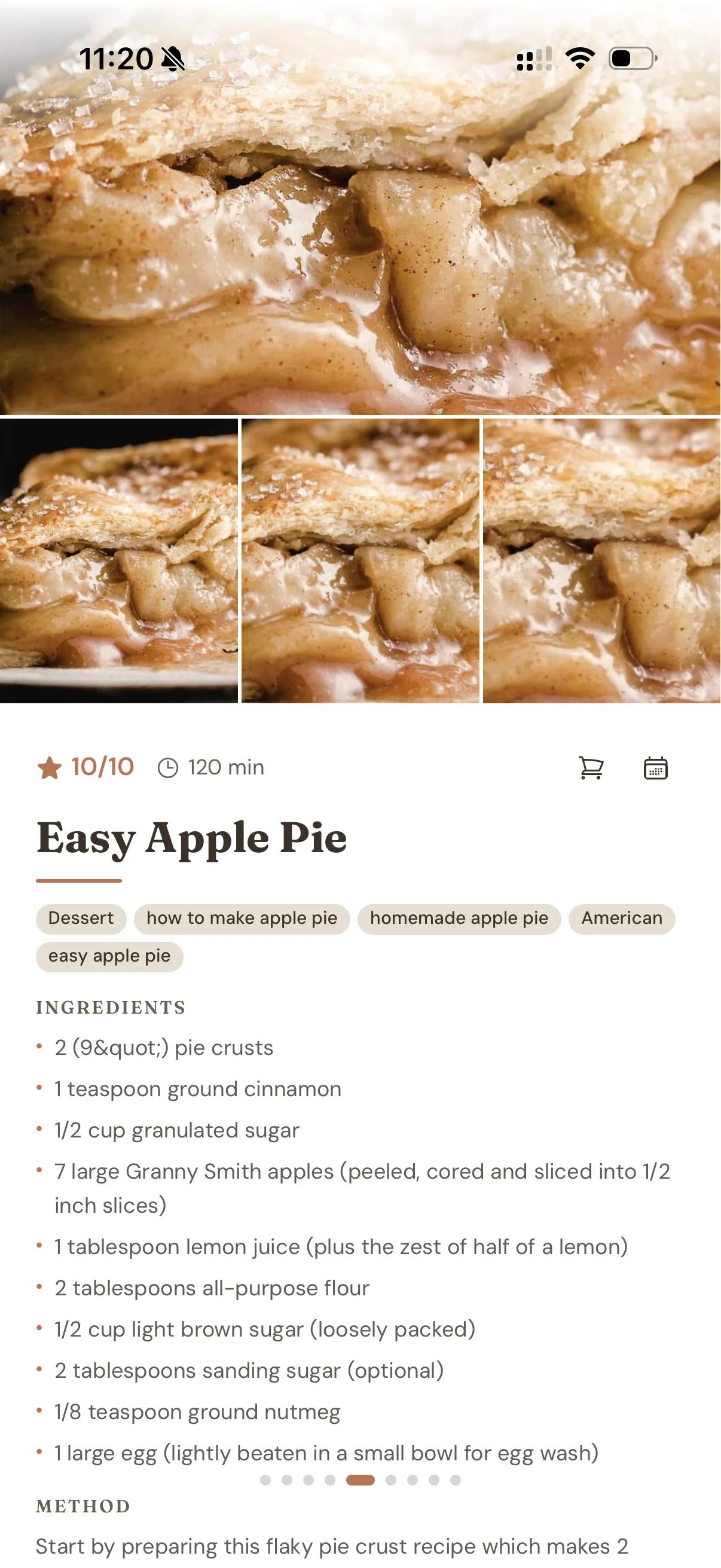
Gratin is in beta. Here's what it does today, with work awaiting release listed separately below.
Save recipes
Bring your collection with you, and keep adding to it.


- Import from Paprika
- Sign in to Paprika or use an export file. Bring recipes, photos, notes and nested folders across without changing your Paprika collection.
- Save from recipe websites
- Paste a public recipe link to import its ingredients, method and photo. Support depends on the recipe information the site provides.
- Clip pages you're signed in to
- The Chrome extension saves the recipe in your open tab, including recipes on paid sites you subscribe to.
- Write and edit your own
- Keep your own recipes alongside imported ones, with ingredient sections, preparation notes, photos and a method you can edit.
Organise your collection
A home for the recipes you actually want to cook.
- Recipe books, folders and tags
- Keep collections in separate books, organise them into folders, and use tags to find recipes again.
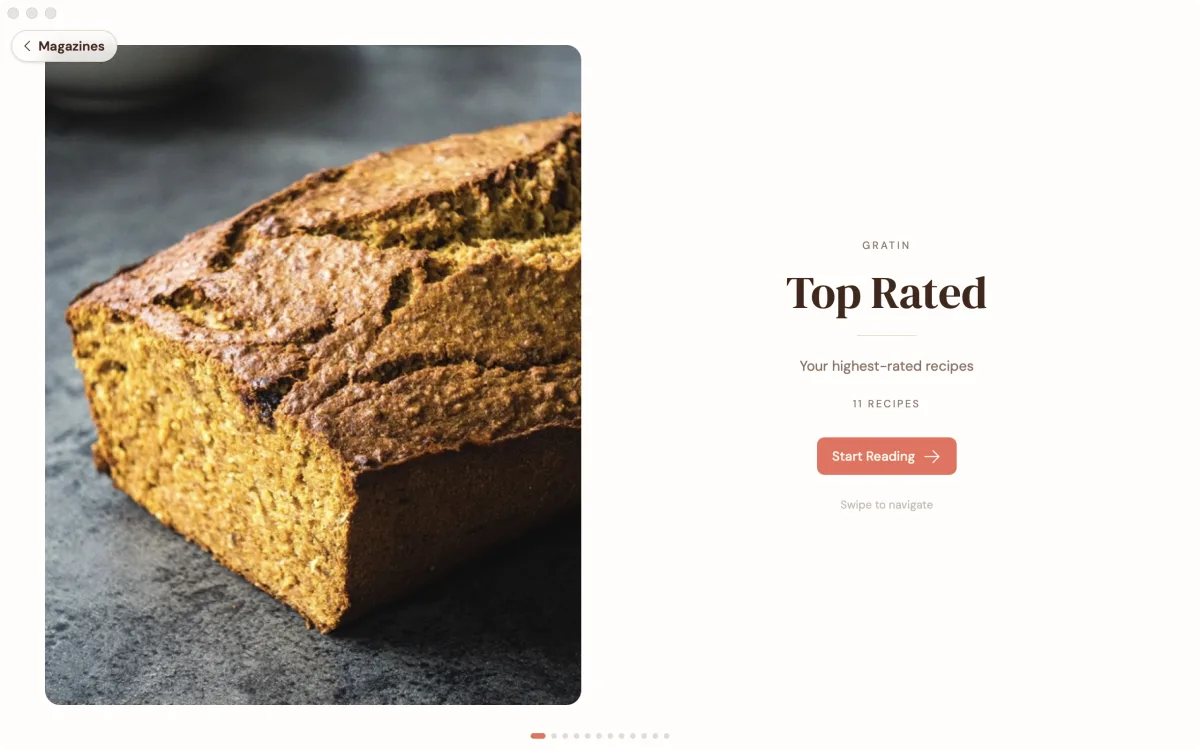
- Browse like a magazine
- Browse a book, folder or tag with big food photos and a contents page. Keep a generated magazine as your own, or hide it.
- Four themes
- Choose Light, Dark, Black or Paper to suit where and when you're cooking.
Cook from your recipes
Keep the amounts and instructions where you need them.

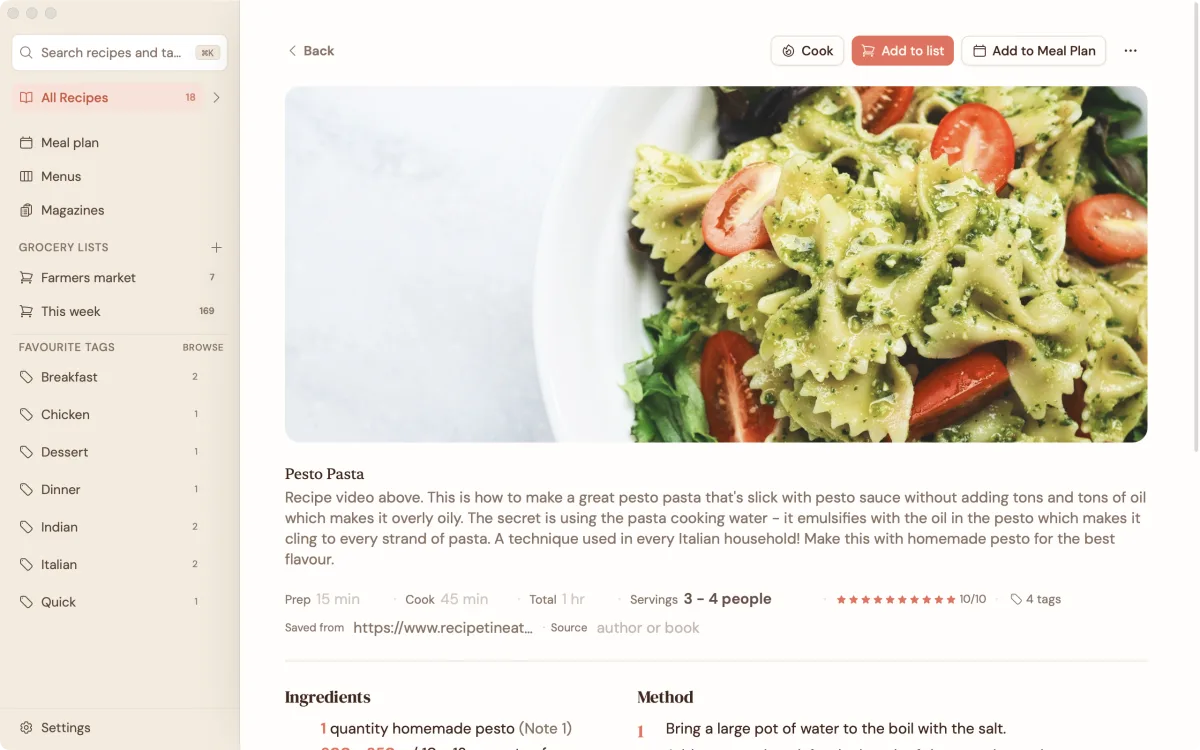
- Amounts in the steps
- See ingredient quantities in the method without scrolling back to the ingredient list. Change the servings and the amounts update.
- Choose your units
- Switch weights between metric and imperial independently of volumes. Your original recipe text stays intact.
- Ingredients in order of use
- Choose to see ingredients as written or in the order they're used in the method.
- Cooking views and timers
- Follow a list of steps or one step at a time in cook mode, and start timers linked to the method.
Plan meals and shop
Turn the recipes you've saved into dinner on the table.

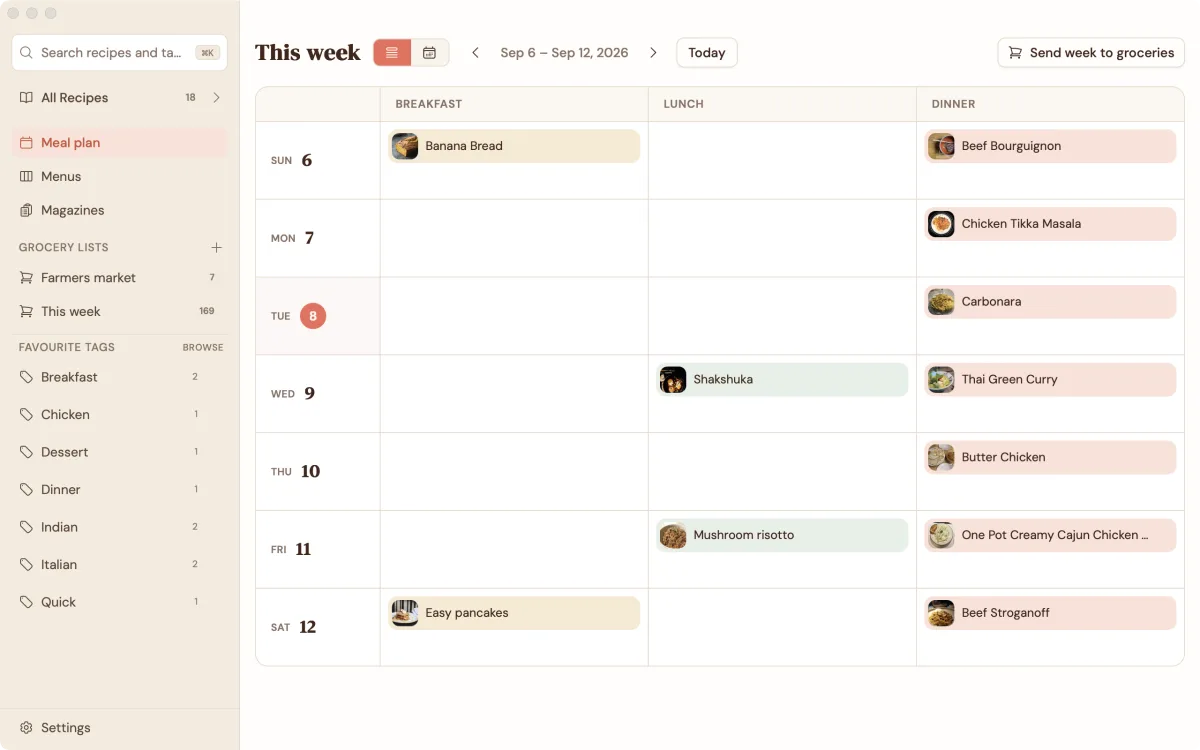
- Weekly meal plans
- Schedule recipes for breakfast, lunch and dinner, then add the plan to your grocery list.
- Reusable menus
- Put dishes together for a dinner party or holiday and keep the menu for next time.
- Groceries sorted by aisle
- Combine matching ingredients across recipes, see which recipe each item belongs to, and shop from the list offline.
Get help with your recipes
Use AI on your device, or choose to connect an assistant.
- On-device AI
- Tag recipes, tidy their formatting and estimate nutrition locally on your device.
- Claude and ChatGPT
- With Hosted sync, turn on the optional connection to search your recipes, scale them, plan meals and build grocery lists. Choose read-only access or allow recipe changes and additions.
While the assistant connection is on, our server keeps a readable copy of your recipes and the AI service sees what the assistant reads. Turning it off deletes our readable copy. Read the privacy details.
Keep control of your recipes
The app is free on Mac, Windows, iPhone and Android, with no recipe limit.
- Works offline, without an account
- Your recipes live on your own device. Read, cook and make grocery lists without a connection or a subscription.
- Optional encrypted sync
- Keep devices in sync with Hosted sync, or run your own sync server for free. Standard sync encrypts your recipes and photos on your device before upload.
- Export everything
- Export your collection with photos as Schema.org JSON-LD, or individual recipes as Cooklang files. Keep a backup or take your recipes elsewhere.
- No ads or tracking
- Gratin doesn't track you or send crash reports. You choose what to share when you contact support.
A few more things
in the kitchen.
Implemented, awaiting release checks. These aren't claims about the current distributed app.
- A reading view with a separate Edit button, plus tick-off ingredients and steps. Cooking progress stays on your device.
- A full ingredient view in cook mode, with a choice of which view opens first.
- An English and German interface, without translating your recipes.
- Recipe video links that open externally, and timers with a Go to step action.
- Add existing recipes to your own magazines.
- MealMaster and MasterCook text imports, plus import support for ordinary English and German recipe sections on pages without recipe markup.
- Android sharing into the import screen, with review before saving. This needs a native app update.
- Move planned meals between days by dragging, keyboard or a Move to day sheet.
Made for people who cook.
Your next favourite meal
is probably already saved.
Bring a few favourites, cook a meal and tell me what needs fixing.
Try the beta See pricing